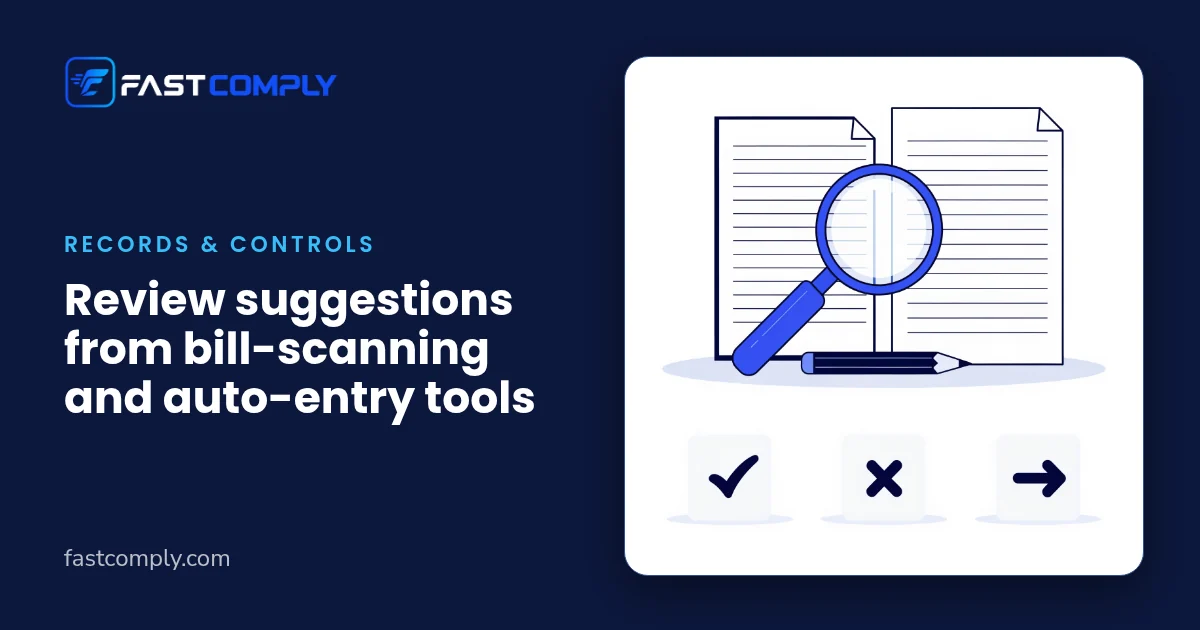
When a tool reads a bill or a bank line and suggests an entry, check three things before you accept it: does it match the document, does it match the business, and does it match the books? Then choose one outcome for each suggestion: accept, edit, reject, or send it to your accountant. Record what you decided in a short review log. The tool suggests; a person decides, and the log shows who decided what.
Why "looks right" is not enough
Bill-scanning and auto-entry tools turn a bill photo or PDF into a draft voucher, or propose a suggested ledger for a bank line. A suggestion arrives neatly filled in, which makes it easy to accept without looking. The mistakes that are easiest to miss are small: a supplier with a similar name, the wrong month, one digit misread, a bill that has already been entered another way. None of them looks wrong at a glance.
The answer is neither to accept everything nor to re-key everything. It is to check each suggestion against the same three questions, so the review is consistent whoever does it.
Three questions for every suggestion
1. Does it match the document? Open the bill and compare it with the suggestion: supplier name, bill number, bill date, amount, and the tax figures exactly as printed on the bill. For a bank line, compare the suggestion with the line on your bank statement: date, amount and narration. Compare; don't interpret. If a figure on the bill is unclear to you, that is a question for your accountant, not a guess.
2. Does it match the business?
- Is it the right supplier record, not a look-alike name?
- Is the date taken from the bill, not from the day the bill was uploaded? If you are unsure which month a bill belongs to, ask your accountant.
- Is it a business expense, not a personal one?
3. Does it match the books?
- Has this bill already been entered another way, for example from the supplier's email or from the bank line?
- If it has been paid, is it linked to the right payment?
Four outcomes
| Outcome | When |
|---|---|
| Accept | All three questions pass, with nothing changed |
| Edit | A fact is wrong that you can check against the bill or your records: correct it, then accept |
| Reject | It should not be entered at all, for example a duplicate |
| Send to your accountant | The question is about how the item should be treated |
Questions about tax treatment or how an item should be recorded go to your accountant. That includes anything unusual: a large or unusual purchase, a bill whose tax figures you do not understand, an invoice in another currency. If an edit would change how an item is recorded rather than correct a fact, send it to your accountant instead. You do not have to know the answer, only that it is not yours to decide.
The review log
Keep one row for every suggestion you edit, reject or send on, and a count of those you accept. A sheet is enough.
| Date | Bill or bank line | Outcome | What changed, or why | Reviewed by |
|---|---|---|---|---|
| Accept / Edit / Reject / To accountant |
This gives your accountant a readable trail of who accepted, changed or rejected what, and why. It is a working record for you and your accountant; it is not a substitute for whatever records your accountant tells you to keep.
If a wrong suggestion was already posted, correct it and keep the trail.
Worked example: an electrical-goods wholesaler in Vijayawada
Illustrative example: a fictional electrical-goods wholesaler in Vijayawada. "The tool" is a generic bill-reading tool, not any particular product. All details and figures are invented and describe this one fictional month only.
In one month the tool produced 40 suggestions. The bookkeeper ran the three questions on each:
| Outcome | Suggestions |
|---|---|
| Accepted unchanged | 31 |
| Edited | 5 |
| Rejected | 1 |
| Sent to the accountant | 3 |
| Total | 40 |
The 5 edits:
- 2 had picked a supplier with a similar name. The bookkeeper changed each to the correct supplier record.
- 2 had been placed in the current month, but the bill date was in the previous month. The bookkeeper corrected the date to the one on the bill.
- 1 had read the amount as ₹16,500. The bill shows ₹18,500, a difference of ₹2,000. The bookkeeper corrected the amount.
The 1 rejection: a bill that had already been entered from the supplier's email. Accepting it would have recorded the same purchase twice.
The 3 sent to the accountant: a laptop purchase, a bill with tax figures the bookkeeper did not understand, and a software invoice in a foreign currency. Each went to the accountant with the bill attached and a note, without a suggested treatment.
The review log had nine rows (five edits, one rejection, three referrals) and a count of 31 accepted unchanged. The accountant could see at a glance what had been changed and why.
Patterns worth watching
From this example, not a statistic, these are the places a careful second look paid off:
- new suppliers, and suppliers with similar names;
- bills dated near the start or end of a month;
- amounts where one misread digit changes the total, such as ₹16,500 for ₹18,500;
- bills that also arrived by email or another route;
- anything unusual in size, type or currency.
Add your own as your log builds up. If the same kind of edit keeps appearing, that is worth raising with your accountant.
Discuss your review routine in a demo
This checklist works with any tool that suggests entries. If you're evaluating FastComply Books, ask in a demo whether AI suggestions are enabled for your business and how they would be shown for review; AI availability is confirmed with each pilot invitation. Request a demo and choose "Book a demo" on the form. FastComply Books is in an invitation pilot in India, so the demo is where we confirm what is available for your business.